Manage Startup Programs in Windows
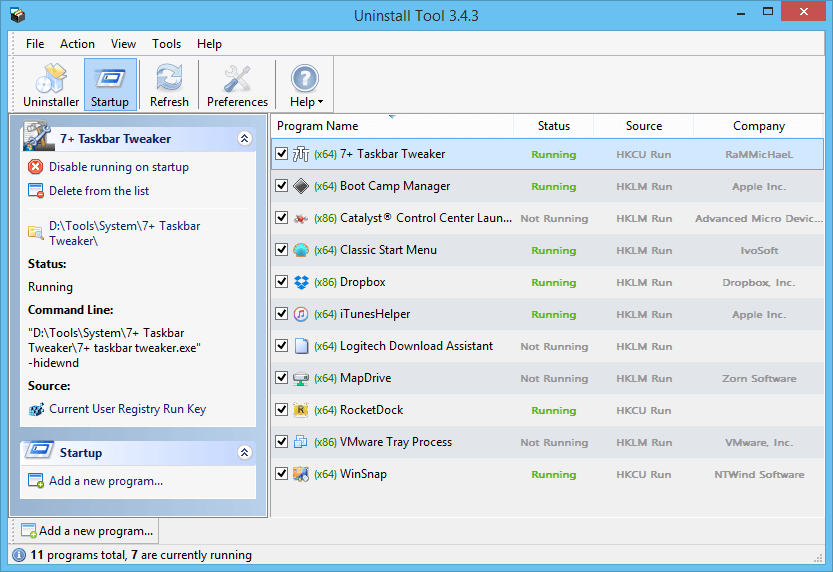
With Uninstall Tool you can:
- Enable/Disable or Delete any app that starts on Windows startup
- Detect invalid entries
- See detailed information of each entry (installation folder, publisher, command line, status and source)
- Batch operating for selected items (use Ctrl key for selecting multiple programs)
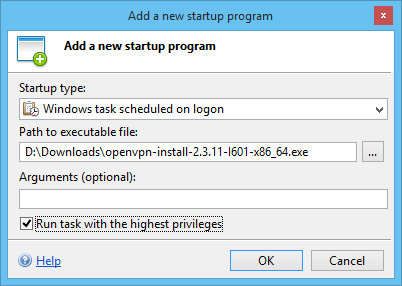
- Add a new startup program
Looking through the list of startup apps regularly (and removing unwanted items) is a good practice to optimize your PC startup performance. Additionally you can in time detect various spyware/adware programs that are often secretly installed on your computer.