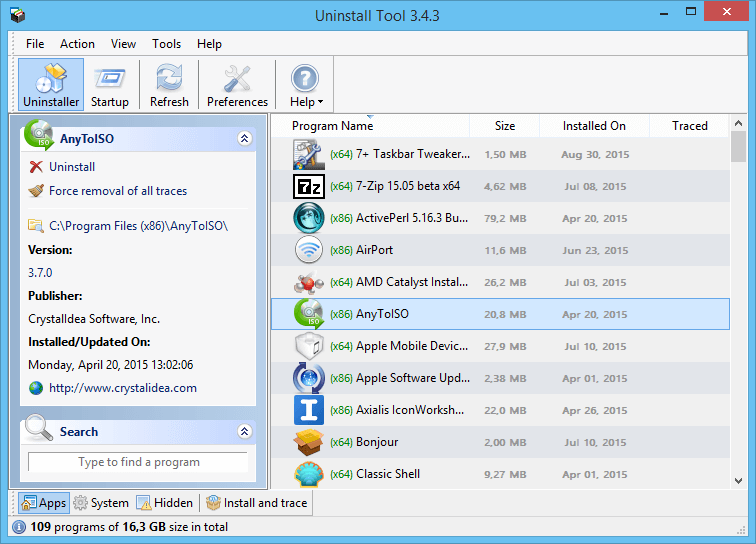
Incredibly fast and convenient uninstaller
Effective, powerful app with a simple yet intuitive interface.
Learn More
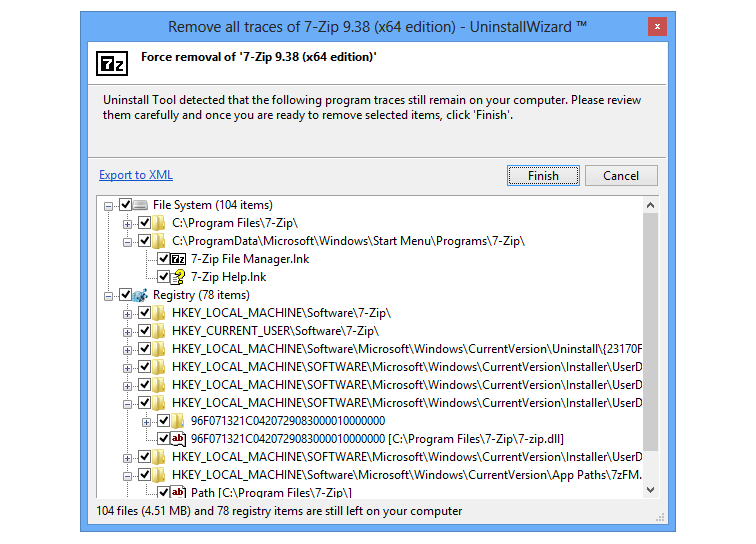
Remove leftovers from your file system & registry
Perform a thorough search for leftovers on your PC without having to rely on the default uninstaller.
Learn More
Instantly locate unwanted apps
Start typing and the list of apps is immediately filtered.

Track changes created by a program setup/installer
When you install an app, Install Tracker tracks all changes made to your system.
Learn More

Manage Startup Programs
Control, add or remove any of the apps that automatically start on Windows startup.
Learn More